JOBVIZER CRM TUTORIAL
TEMPLATE LIBRARY
Who Benefits from the Template Library?
Small Business Owners: Create professional marketing materials without hiring a designer.
Marketing Agencies: Save time by utilizing pre-designed templates for client projects.
Freelancers: Offer marketing services without extensive design skills.
Corporate Marketing Teams: Streamline design processes and maintain brand consistency.
Advantages of Using the Template Library
Time and Effort Savings: Access pre-designed templates to expedite the creation of marketing materials.
High-Quality Designs: Utilize templates featuring premium stock images and content for a consistent brand image.
User-Friendly Interface: Easily filter and preview templates to find those that meet your business needs.
Customization: Modify templates to align with your brand by adjusting images, colors, and content.
Cost-Effective: Avoid the expenses associated with custom designs or hiring designers.
Accessibility: Available to all users without additional fees or subscriptions.
Funnels and Websites Template Library
Go to your sub-account.
Navigate to Sites > Funnels (or Websites).
Click on New Funnel (or New Website).
Choose Go to Template Library.
Browse and select a template that fits your business needs.
Documents and Contracts Template Library
Navigate to the Documents tab.
Select Create New and access the Template Library.
Upload or customize a contract template.
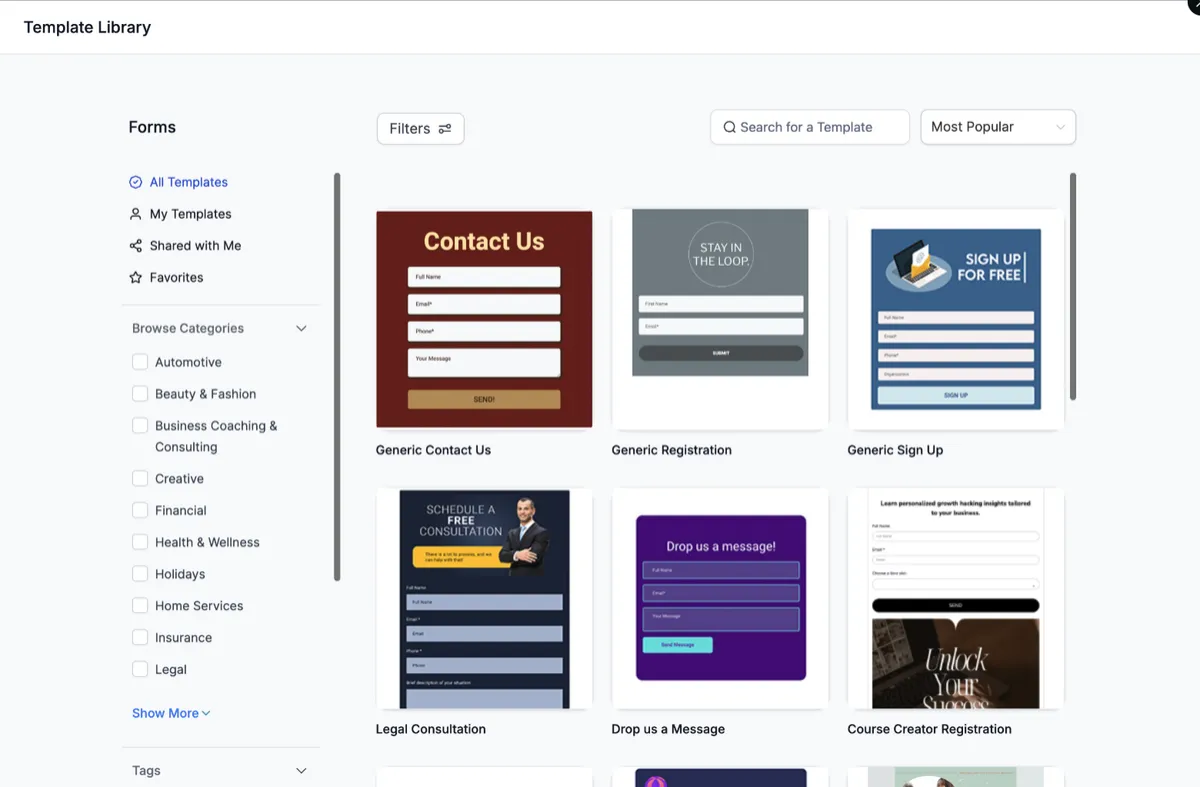
Form Template Library
Navigate to Sites > Forms > Builder > Add Form > From Template
Survey Template Library
Navigate to Sites > Surveys > Builder > Add Survey > From Template
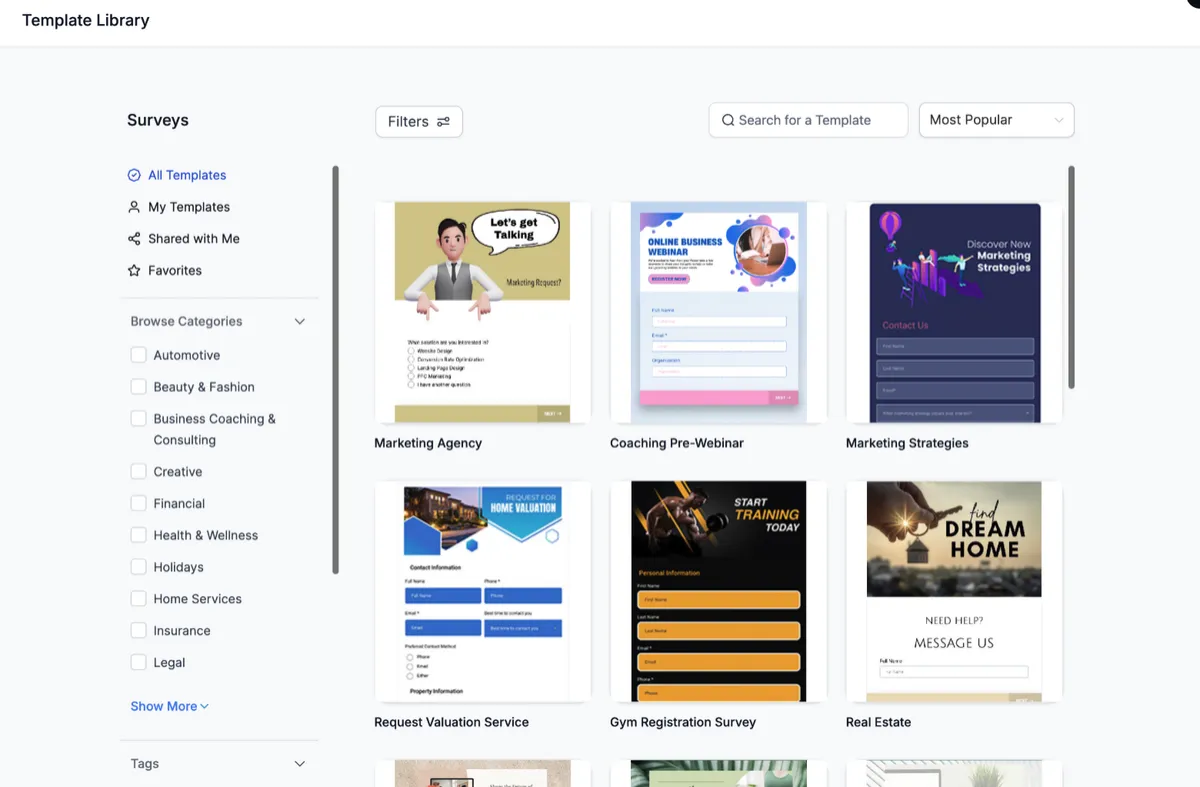
Social Planner Template Library
In your sub-account, go to Marketing > Social Planner.
Click the + New Post button.
Select Choose Social Planner Templates.
Review and select a template.
Customize and schedule your posts accordingly.
Tip: Use the Type filter to quickly find the right Social Planner format (for example, Post or Story/Reel).
Ads Manager Template Library
Navigate to Marketing > Ads Manager.
Click on Create Ad and select a template from the library.
Preview and customize the ad for your specific objectives.
Email Builder Template Library
Within your sub-account, navigate to Marketing > Emails > Templates.
Click the + New button to create an email template.
Select Template Library.
Browse and choose a suitable template.
Customize the template to match your branding.
JOBVIZER MARKETING SUPPORT PORTAL© 2026ALL RIGHTS RESERVED