PIPELINES
CLICK BELOW TO WATCH the walkthrough
Pipelines and Opportunities
This page covers pipelines and opportunities: what they are and how to set them up. It walks through creating a pipeline, adding opportunities manually, and assigning stages, tags, owners, and field values, plus the four opportunity statuses (open, won, lost, abandoned) and how pipelines can be set up with custom fields.
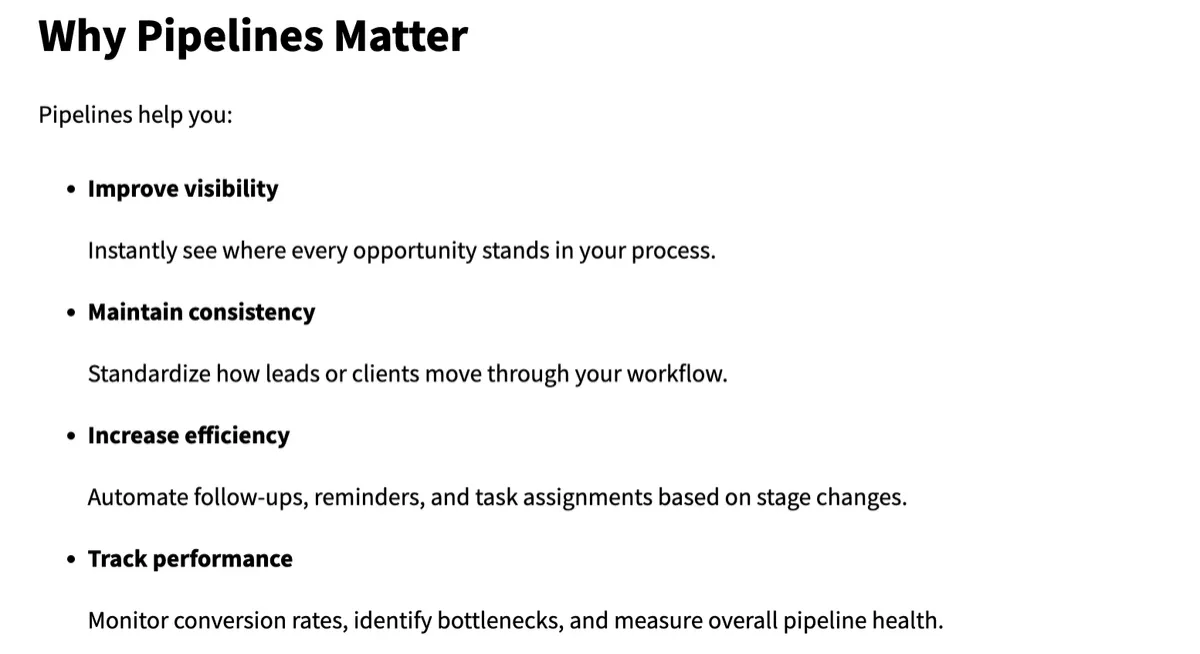
1. Understand what a Pipeline and an Opportunity are
Pipeline:
a visual board that maps your sales journey into stages.
Example stages shown in the demo:
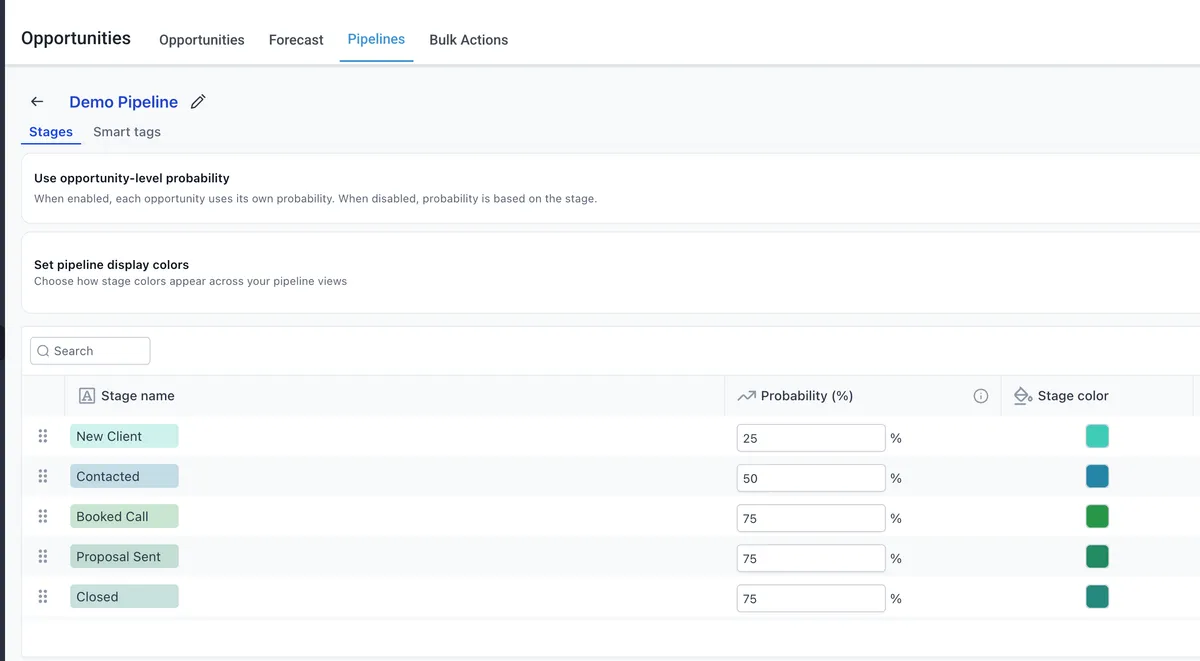
New Client
Contacted
Book Call
Proposal Sent
Closed
DND
Opportunity:
a contact record that also acts as a deal record linked to the contact.
An Opportunity can include:
Stage
Status
Owner
Tags
Custom opportunity fields
2. How Create a new Pipeline
Go to Pipeline at the top of the screen.
Click Create Pipeline.
Enter a pipeline name.
Add the stages you want in the pipeline.
You can also apply color coding to make the pipeline easier to read and navigate.
3. Add and organize pipeline stages
To add a stage, click Add Stage.
Type the stage name you want to include.
To change the order of stages:
Click and hold a stage
Drag and drop it into the correct position
This lets you structure the pipeline in the order that matches your sales process.
4. Understand pipeline statuses
Open: actively in progress and not yet decided.
Won: the deal was successfully closed.
Often triggers revenue recognition and onboarding automation.
Lost: the prospect explicitly declined or chose another option.
Abandoned: the prospect became unresponsive without giving a clear no. Often treated as a lost lead and may be moved into a re-engagement sequence.

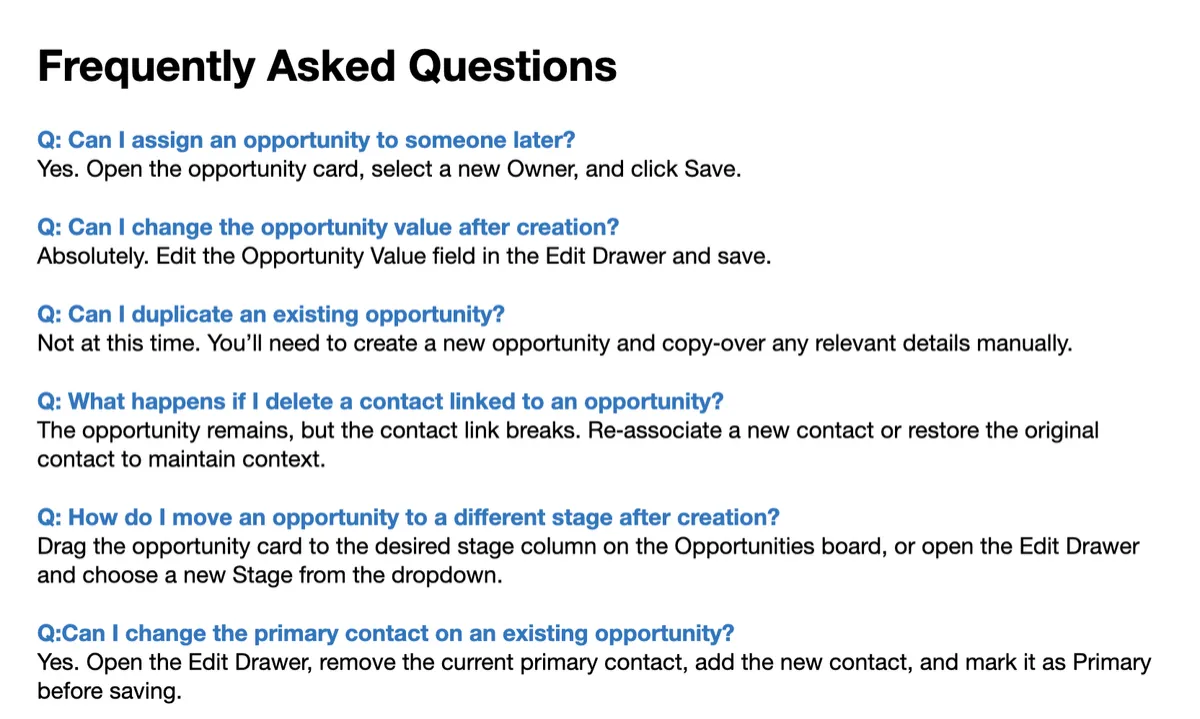
Pipelines help you visually manage sales stages.
Opportunities are the deal records tied to contacts.
You can create, organize, update, report on, and customize both pipelines and opportunities to match your sales process.
JOBVIZER MARKETING SUPPORT PORTAL© 2026ALL RIGHTS RESERVED