Welcome to JOBVIZER Support Portal
You're in the Right Place
Whether you're setting up your account for the first time, troubleshooting something that isn't behaving the way you expected, or just want to get more out of the tools you're already using, this is where to find your answer.
The Jobvizer Support Portal is built to get you unstuck fast. No long hold times, no waiting on an email reply for something you could solve yourself in two minutes. Search, browse, or reach out, whatever gets you back to running your business the quickest.
What You'll Find Here
Whether you're setting up your account for the first time, troubleshooting something that isn't behaving the way you expected, or just want to get more out of the tools you're already using, this is where to find your answer.
The Jobvizer Support Portal is built to get you unstuck fast. No long hold times, no waiting on an email reply for something you could solve yourself in two minutes. Search, browse, or reach out, whatever gets you back to running your business the quickest.
Get the Most Out of JOBVIZER Portal
Start with search.
Type what you're trying to do in plain terms ("how do I set up text reminders,"
"why isn't my form sending leads"), most answers are one search away.
Browse by topic
if you're not sure exactly what to search for, everything is organized by the part of your account it relates to.
Benefits of the JOBVIZER Support Portal
24/7 available
Faster Initial Resolution
Business Scalability
Centralized Knowledge Base
Reduced Support Workload
Consistent and Reliable Information
JOBVIZER CRM INTERFACE
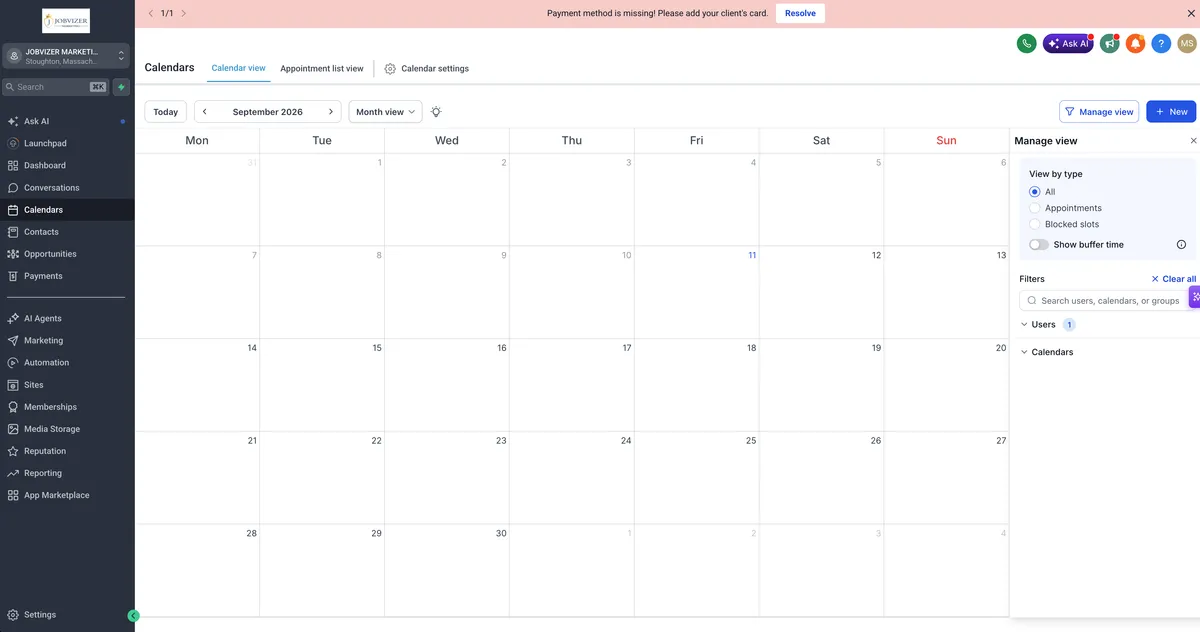
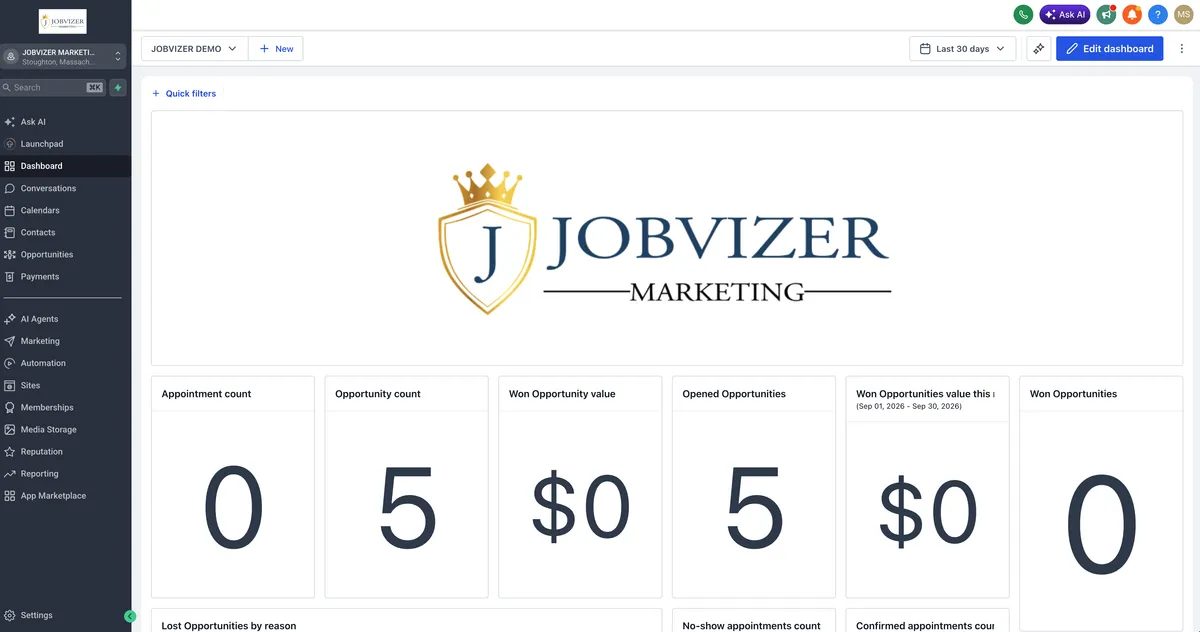
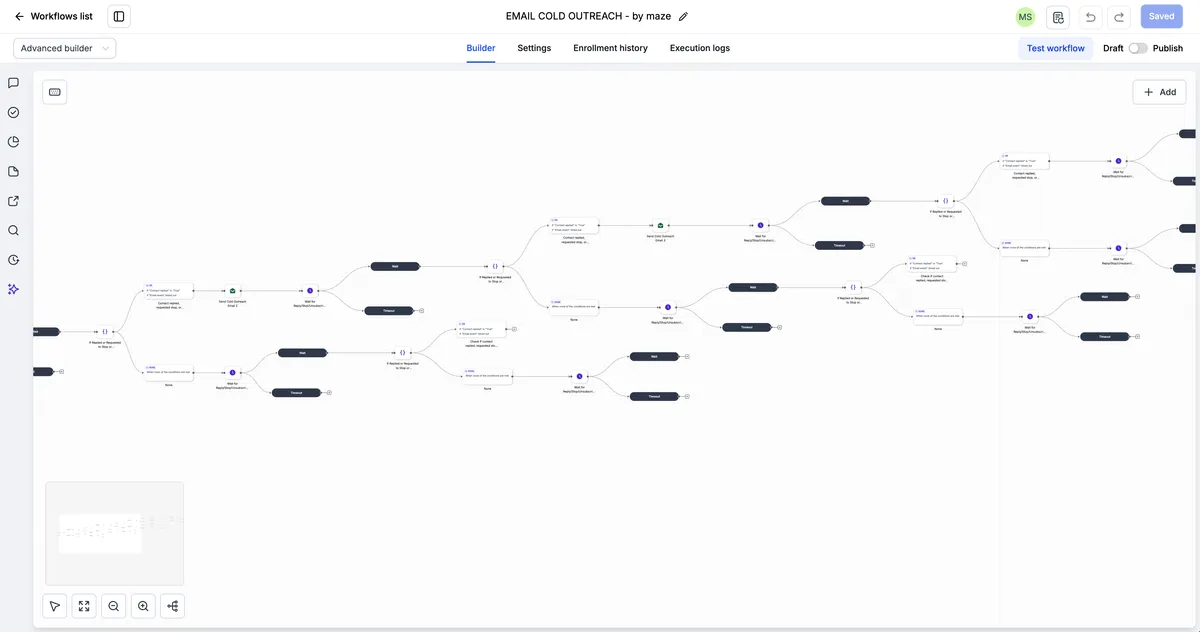
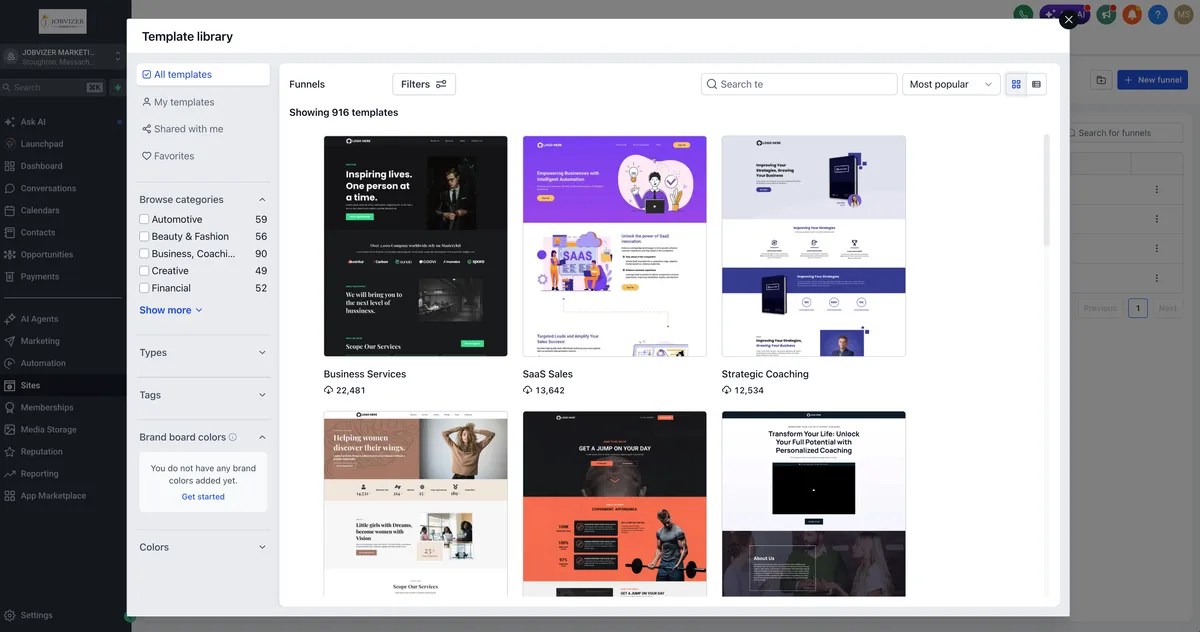
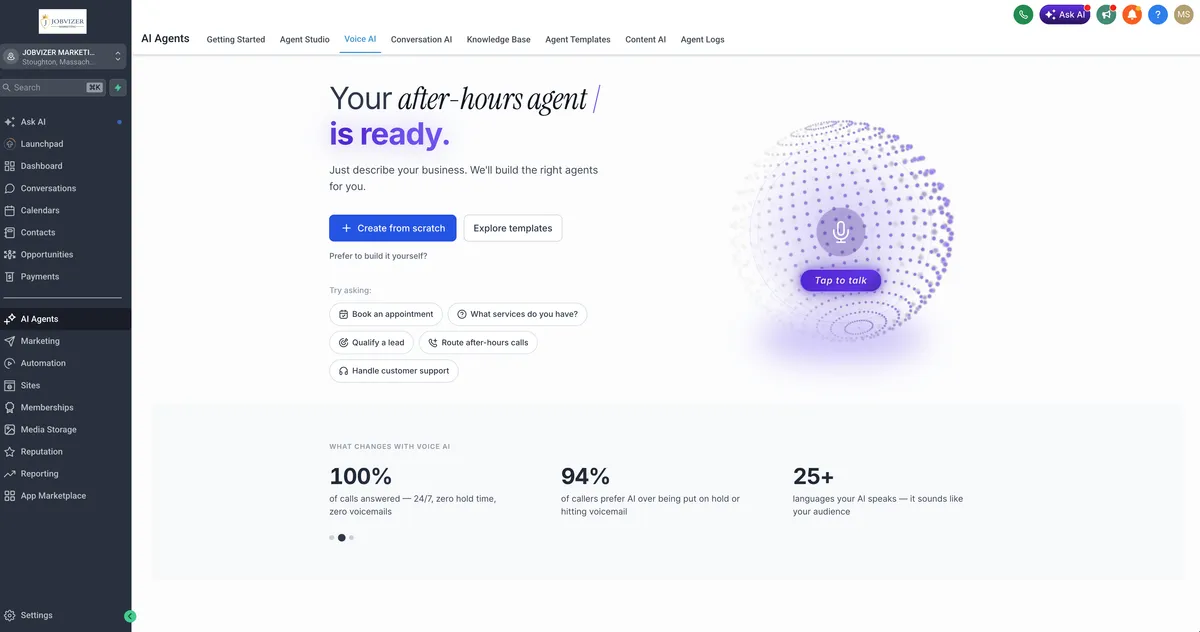
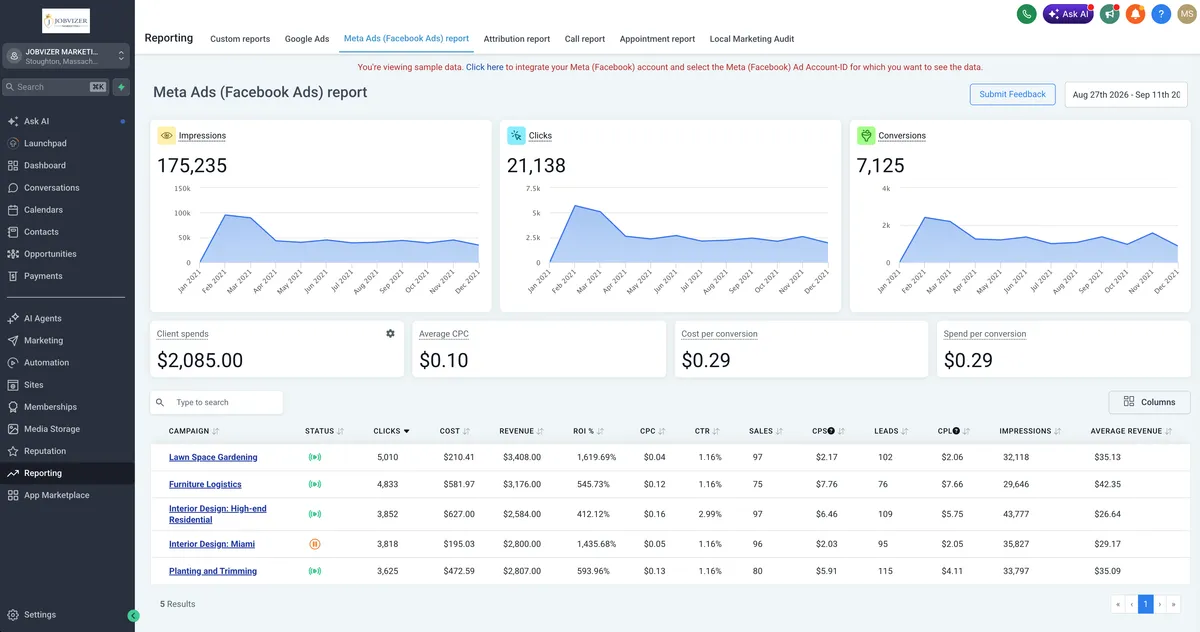
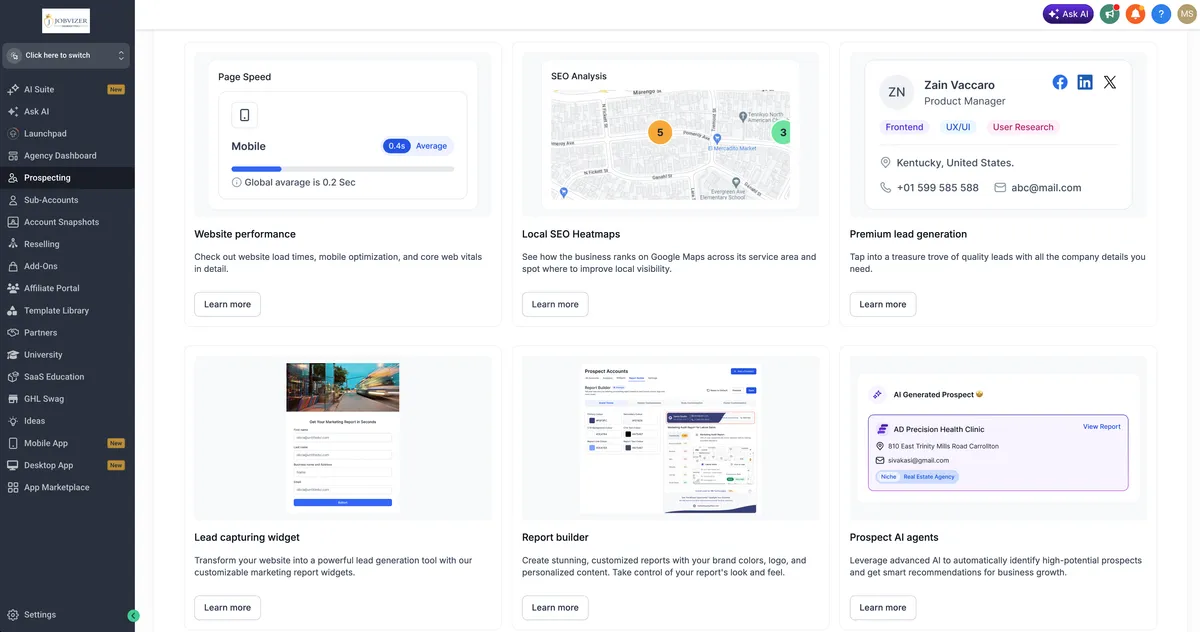
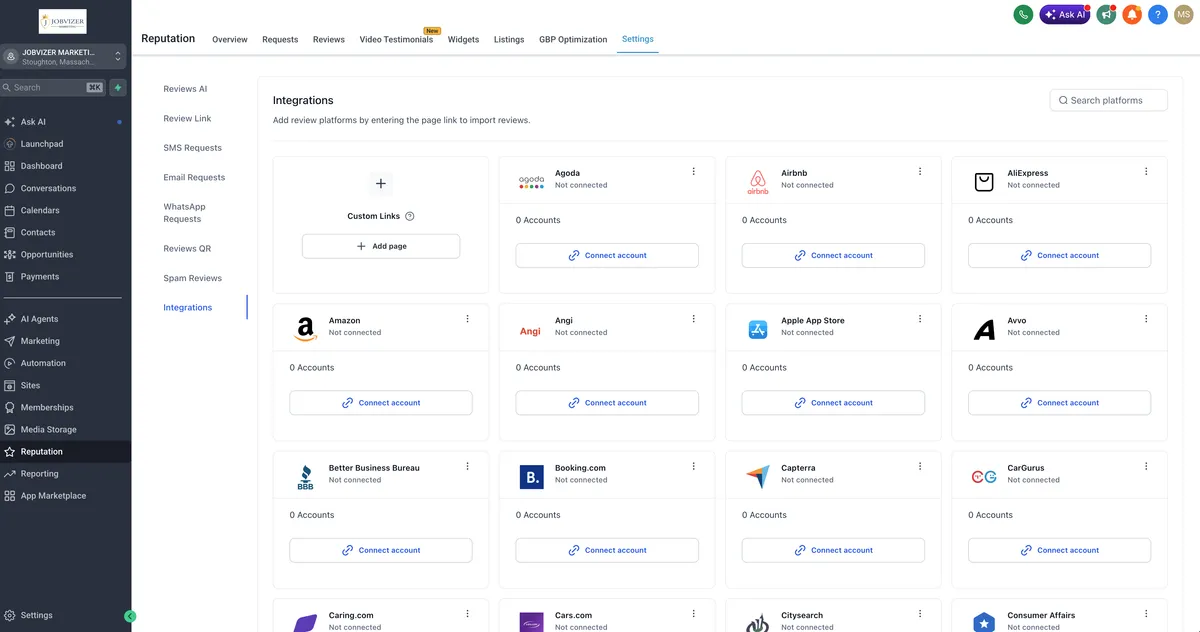
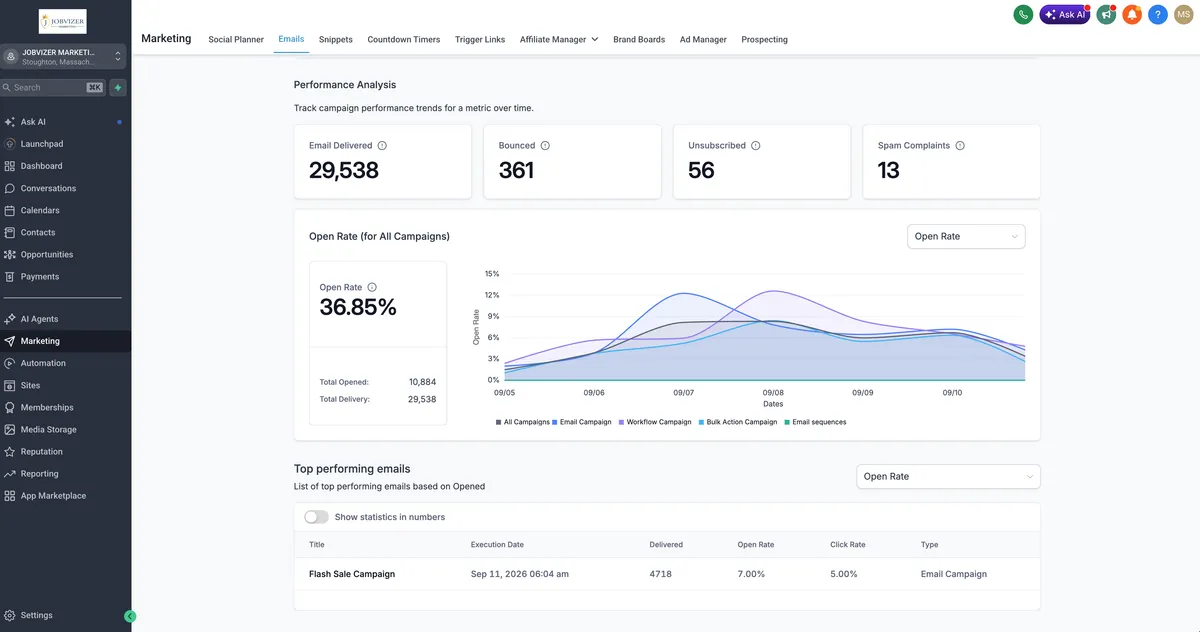

Empower Your Vision with Smarter AI Solutions
Unlock the potential of AI to streamline your workflows, amplify creativity, and drive innovation. Our solutions are tailored to meet diverse needs, ensuring efficiency and excellence in every task.
The business that grow fastest aren't the ones working harder, they're the ones working smarter
FREQUENTLY ASKED QUESTIONS
1. 1. How do I log in to my Jobvizer account?
Go to your Jobvizer login page and enter the email and password you used during setup. If you forgot your password, click “Forgot Password” and we will send a secure reset link to your email. Check your spam folder if it does not arrive within a few minutes.
2. How long does account setup take?
Standard setup, including your pipeline structure, calendar configuration, and initial automations, typically takes 3 to 5 business days. Setup timelines with more advanced automation or multi-location structures may take longer, and your onboarding specialist will confirm a timeline specific to your account.
3. Can I add team members to my account?
Yes. Sub-user access can be added under Settings, with role-based permissions so each team member only sees what is relevant to their function (sales, support, marketing, etc.). Let your account manager know how many seats you need and each person's role.
4. What if I need to change my business information after setup?
Business details such as company name, address, logo, and contact numbers can be updated at any time through your account settings. Some changes (like phone number or business registration details) may require re-verification for compliance purposes, explained further below.
5. Why do I need to register my business before sending texts?
Carriers require businesses to register and verify their identity before sending SMS messages at scale. This is a compliance requirement across the entire messaging industry, not something specific to our platform. Registration confirms you are a legitimate business, which protects your messages from being filtered or blocked and protects consumers from spam.
6. What information do I need for registration?
You will need your legal business name, EIN or business registration number, business address, website, and a short description of your use case (what you're texting customers about). Accuracy matters here. Mismatched information is the most common cause of delays.
7. Where can I see how my business is performing?
The Dashboard and Reports sections show your new leads, appointments booked, messages sent, and revenue at a glance. You can filter by date range to compare weeks or months and see what is working best.
8. My registration was rejected or flagged. What now?
This usually happens due to incomplete details, a mismatch between your business name and your website, or a use case description that reads as high-risk (for example, sounding like debt collection or financial solicitation even if it isn't). Send us the rejection reason and we will help you correct and resubmit it.
9. Can I use a personal cell number for business texting?
No. Business texting must run through a registered business number provisioned in your account. This keeps you compliant and keeps your messaging deliverability healthy.
10. Something isn't working. What should I do first?
Submit a Support Ticket. Note the exact page, workflow, or anything involved, and take a screenshot if possible. This lets us diagnose the issue much faster than a general description.
JOBVIZER INTEGRATES WITH YOUR FAVORITE TOOLS










JOBVIZER MARKETING SUPPORT PORTAL© 2026ALL RIGHTS RESERVED