JOBVIZER CRM TUTORIAL
MEMBERSHIPS OR CLIENT PORTAL
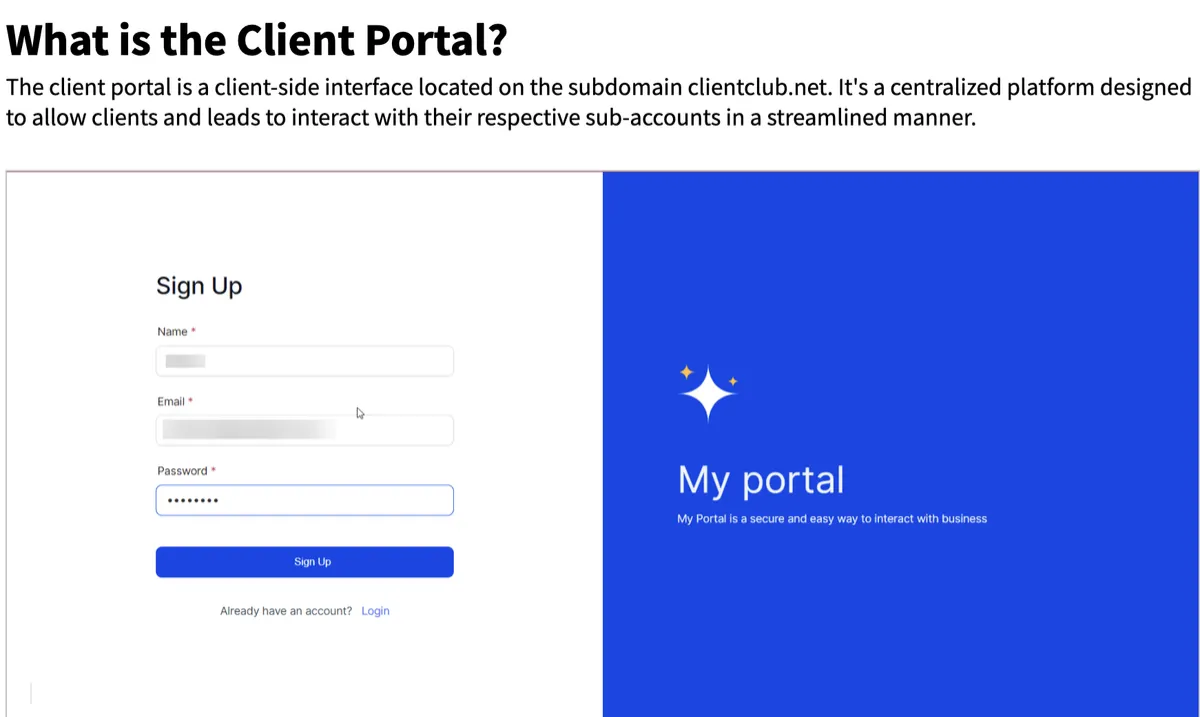
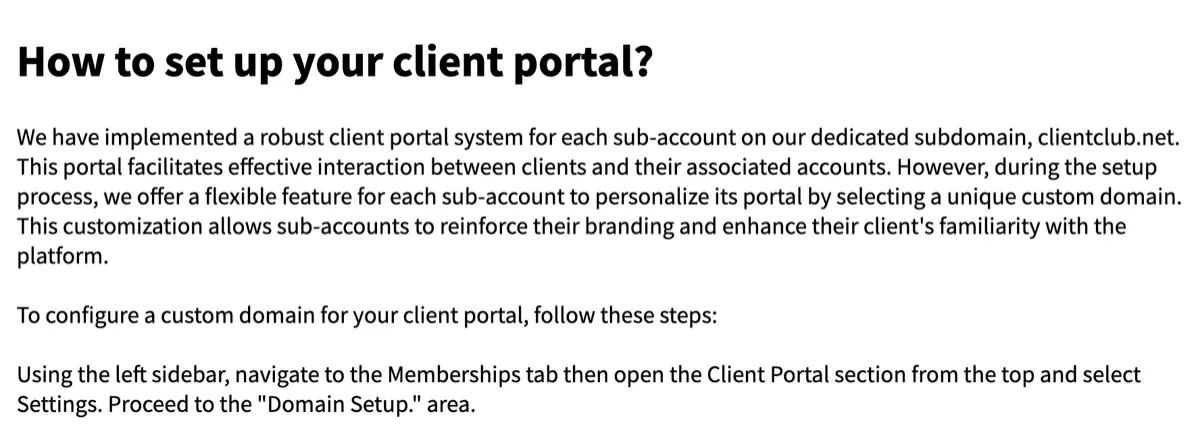
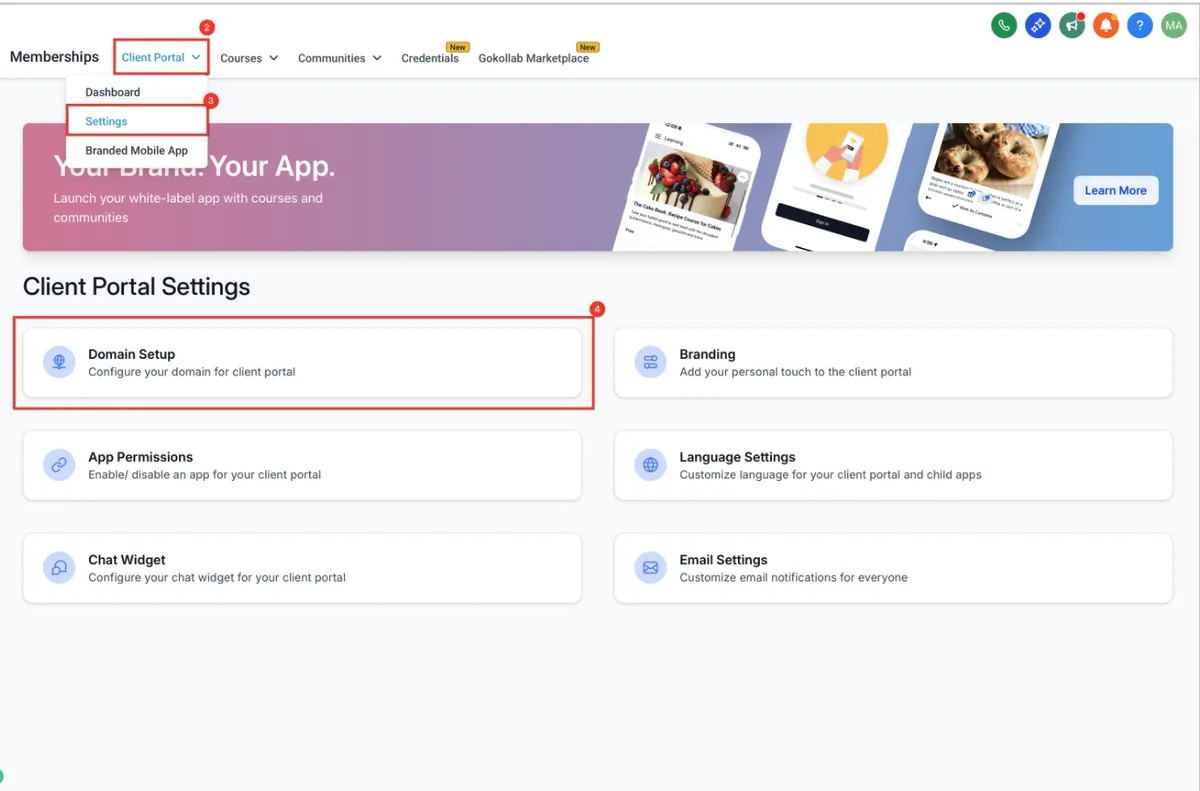
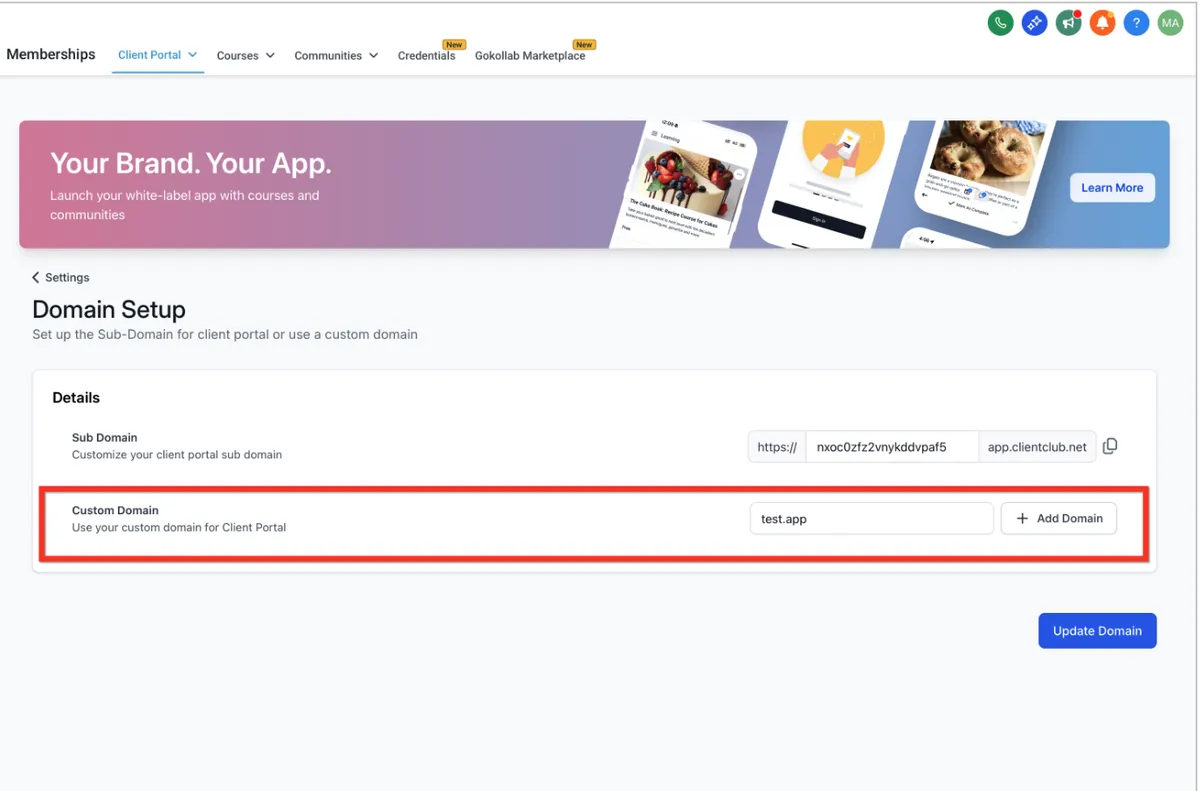
Customize the Portal's Appearance: Within the "Branding" section, you can fully customize the look and feel of your client portal.
Here are the options available:
Inviting Clients
From the Client Portal section, use the Invite Clients option.
Select the contacts to invite, or set up automatic invitations tied to a trigger (for example, automatically inviting a client to the portal once they enroll in a course or complete a purchase).
Clients receive a branded invitation with login instructions specific to the custom domain configured above.
The Newer Unified Portal Experience
A more recent, consolidated version of the Client Portal is available as an opt-in upgrade rather than the default experience on every account.
Enable the feature under Labs.
Click Activate Features, then choose which sub-accounts should receive the new portal experience.
Bulk actions allow enabling visibility and access across multiple sub-accounts at once, rather than configuring each individually.
Preview before switching: the new portal can be reviewed in full, custom code, branding, and content, before clients ever see it, so nothing goes live without a final check.
Recommendation: Preview thoroughly and confirm any custom code or branding still displays correctly before enabling this for a live client base, since it changes the front-end experience meaningfully.
Core Use Cases
Course and membership delivery — clients log in and see only the courses, modules, and lessons they're enrolled in
Community access — participation in group discussions tied to a program or membership
Affiliate tracking — affiliates can view their own commissions and performance
Client dashboards — a home base for reporting, resources, and next steps in an ongoing service relationship
Branded reselling — for agencies, a fully white-labeled portal clients experience as the agency's own softwaregraph Font
What the Client Portal Can (and Can't) Do
Handles well:
course/membership delivery, community participation, affiliate tracking, branded client-facing access, and a general "home base" for an ongoing client relationship.
Not the right tool for:
deep, fully custom application-style client dashboards outside what the platform's own modules support. For a business needing something highly bespoke beyond courses, community, and standard reporting modules, the portal's current feature set may still fall short, worth confirming specific requirements against what's actually available before promising a fully custom build.
JOBVIZER MARKETING SUPPORT PORTAL© 2026ALL RIGHTS RESERVED